Build your environment
Organize blocks into environments and modes that fit what you are working on.
 DKEYKEYBOARD
A personal Android keyboard that keeps your principles, text blocks, and ways of working within reach. Connect your intention to a practical next step, and learn through doing.
DKEY is in early testing. Google Play access is limited to approved test accounts.
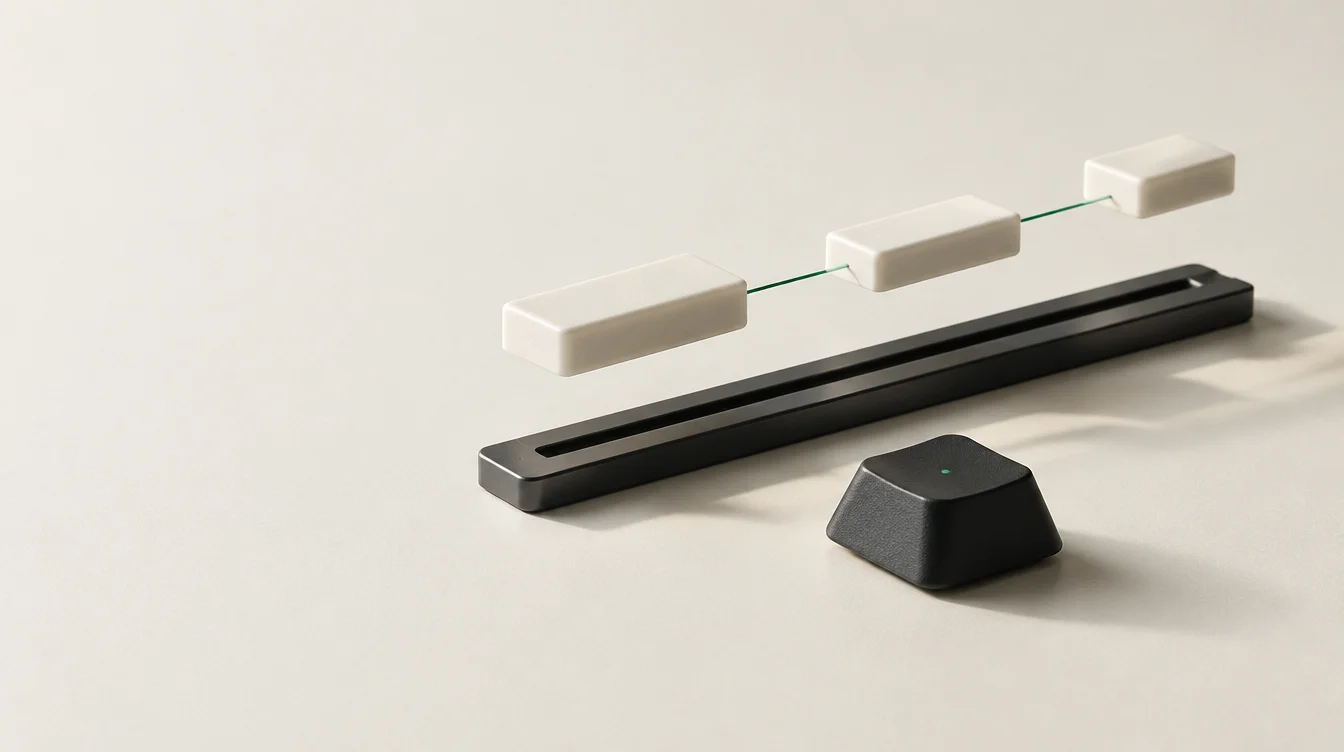
Choose a context, adapt the goal, and select the principles that help. See how the pieces become a practical working direction.
This example runs in your browser. Its text is not sent to us or automatically transferred to the keyboard.
Build a personal environment from principles and text blocks. Keep the pieces that help, combine them, and choose when to use them.
Organize blocks into environments and modes that fit what you are working on.
Connect your intention, working method, and checks — in your own words.
Bring the selected text into the active field. You decide what to change and when to send.
An illustration of principles you could write for yourself. Their value comes from how you choose to combine them.
DKEY keeps its saved blocks, environments, and preferences on your device. Text inserted into another app is handled under that app’s own policies.
Read the app privacy policy ↗The keyboard is in early testing. Feedback from real use helps improve typing, language switching, and the personal workspace.
Open Google Play with the Google account approved for the test. Availability is managed by the testing program; this is not a general release.
Open the testing page ↗